Florida Mesh MQTT Now Requires Accounts to Feed
Please go to the Florida Mesh Discord to setup your personal account: FL-Mesh MQTT Documentation today.
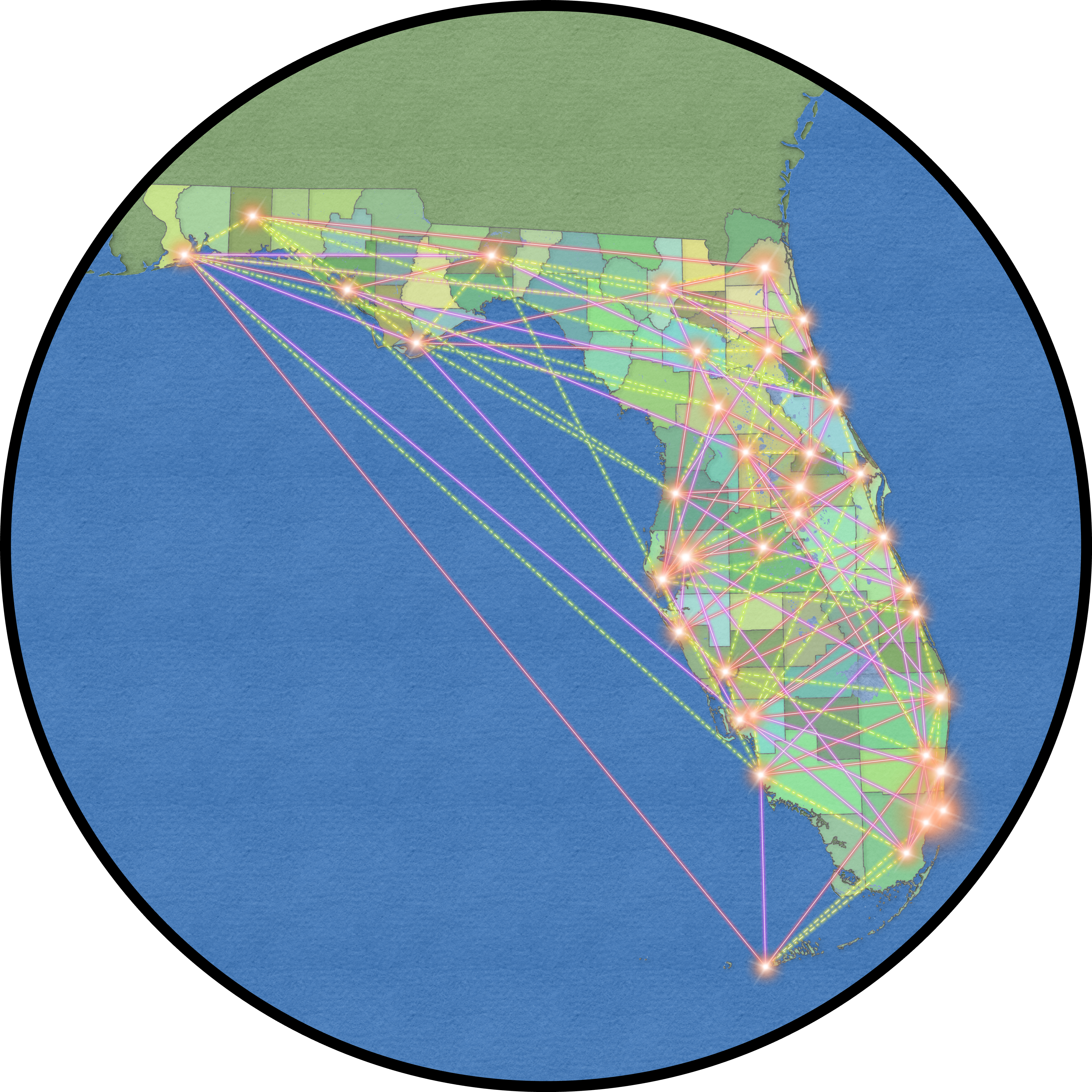
Florida Mesh Map
Please visit us at Florida Mesh
{{ node.short_name }}
{{ node.long_name !== '' ? node.long_name : "-" }}
{{ node.node_id_hex }} / {{ node.node_id }}
Only the first 500 results are shown.
No results found...

Welcome to Florida Mesh Map of Meshtastic nodes heard on MQTT.
Features
- The map shows nodes that have sent a valid position to MQTT.
- Position packets must be unencrypted, or encrypted with the default key.
- Use the search bar to find nodes by ID or name.
- Hover over nodes (on desktop) to see basic details.
- Click a node to see info such as telemetry graphs and traceroutes.
- Use the top right layers panel to show neighbours and waypoints.
- Use the settings button to configure the map to your liking.
- Have a feature request, or found a bug? Open an issue on GitHub.
FAQ
How do I add my node to the map?
Your node, or a node that hears your node must uplink to our MQTT server.
Your position packet must be unencrypted, or encrypted with the default key.
If your node has v2.5 firmware or newer, you must enable "OK to MQTT".
Use the MQTT server details below to uplink to this map.
What MQTT server should I use?
In most cases you do not need to configure a MQTT server at all as we are using dedicated MQTT Gateway nodes. Just enable the following settings
LoRa configuration
- Ignore MQTT: Disabled
- OK to MQTT: Enabled
Position configuration
For Primary Channel Slot: Slot 0
Channel configuration
Please note, MQTT Gateway nodes can uplink and downlink. Without Ignore MQTT being disable you will not see anything from downlink.
If your out of range of a MQTT Gateway, or have a site that would be a good MQTT Gateway.
Please feel free to add the site as a MQTT Gateway.
Follow the directions at MQTT Server Credentials to set up your gateway account.
How do I remove my node from the map?
Nodes that have not been heard for 7 days are automatically removed.
Disable position reporting in your node to prevent it coming back.
Use custom encryption keys so the public can't see your position data.
If your node has v2.5 firmware or newer, we ignore packets if "OK to MQTT" is disabled.
To have your node removed now, please contact us at Florida Mesh Discord.
How do I see neighbours a node heard?
Open the top right layers panel and enable neighbours.
Some neighbours are from MQTT, this is patched as of v2.3 firmware.
Why is my node showing up in the wrong place?
This public map obfuscates your position packets for v2.4 firmware and older.
Nodes on v2.4 and older have their positions obfuscated to 2 decimal places.
Nodes on v2.5 and newer, with "OK to MQTT" enabled, will show positions with your configured precision.
Nodes on v2.5 and newer, with "OK to MQTT" disabled, will not update their positions.
Legal
This project is not affiliated with or endorsed by the Meshtastic project.
The Meshtastic logo is the trademark of Meshtastic LLC.
Street Map tiles provided by OpenStreetMap
Aerial Map tiles provided by Esri
This node has not reported a position.
Details
-
ID{{ selectedNode.node_id }}
-
Hex ID{{ selectedNode.node_id_hex }}
-
Role{{ selectedNode.role_name }}
-
Hardware{{ selectedNode.hardware_model_name }}
-
Firmware{{ selectedNode.firmware_version }} ???
LoRa Config
-
Region{{ selectedNode.region_name }} ({{ getRegionFrequencyRange(selectedNode.region_name) }}) ???
-
Modem Preset{{ selectedNode.modem_preset_name }} ???
-
Has Default Channel{{ selectedNode.has_default_channel ? "Yes" : "No" }} ???
Position
-
Lat/Long{{ selectedNode.latitude }}, {{ selectedNode.longitude }} ???
-
Altitude{{ selectedNode.altitude }}m ???
Device Metrics
-
Battery LevelChannel UtilizationAir Util TX
-
Battery LevelPlugged In {{ selectedNode.battery_level }}% ???
-
Voltage{{ Number(selectedNode.voltage).toFixed(2) }}V ???
-
Channel Utilization{{ Number(selectedNode.channel_utilization).toFixed(2) }}% ???
-
Air Util Tx{{ Number(selectedNode.air_util_tx).toFixed(2) }}% ???
-
Uptime{{ formatUptimeSeconds(selectedNode.uptime_seconds) }} ???
Environment Metrics
-
TemperatureHumidityPressure
-
Temperature{{ formatTemperature(selectedNode.temperature) }} ???
-
Relative Humidity{{ Number(selectedNode.relative_humidity).toFixed(0) }}% ???
-
Barometric Pressure{{ Number(selectedNode.barometric_pressure).toFixed(1) }}hPa ???
Power Metrics
-
Channel 1Channel 2Channel 3
-
Channel 1{{ Number(selectedNodeLatestPowerMetric.ch1_voltage).toFixed(2) }}V ??? / {{ Number(selectedNodeLatestPowerMetric.ch1_current).toFixed(2) }}mA ???
-
Channel 2{{ Number(selectedNodeLatestPowerMetric.ch2_voltage).toFixed(2) }}V ??? / {{ Number(selectedNodeLatestPowerMetric.ch2_current).toFixed(2) }}mA ???
-
Channel 3{{ Number(selectedNodeLatestPowerMetric.ch3_voltage).toFixed(2) }}V ??? / {{ Number(selectedNodeLatestPowerMetric.ch3_current).toFixed(2) }}mA ???
MQTT
Topics this node sent packets to
-
{{ mqttMetric.mqtt_topic }}
Last packet {{ moment(new Date(mqttMetric.last_packet_at)).fromNow() }} -
No packets seen on MQTT
Trace Routes
Only 5 most recent are shown
-
{{ findNodeById(traceroute.to)?.long_name || '???' }} to {{ findNodeById(traceroute.from)?.long_name || '???' }}
{{ moment(new Date(traceroute.updated_at)).fromNow() }} - {{ traceroute.route.length }} hops {{ traceroute.channel_id ? `on ${traceroute.channel_id}` : '' }} -
No traceroutes seen on MQTT
Other
-
First Seen{{ moment(new Date(selectedNode.created_at)).fromNow() }}
-
Last Seen{{ moment(new Date(selectedNode.updated_at)).fromNow() }}
-
Neighbours Updated{{ moment(new Date(selectedNode.neighbours_updated_at)).fromNow() }} ???
-
Position Updated{{ moment(new Date(selectedNode.position_updated_at)).fromNow() }} ???
Share Link